

Submit an Event

Share Events with Duluth
Planning a public event in the Duluth area? We’d love to help you spread the word! Our event calendar is a go-to resource for locals and visitors alike who want to explore what’s happening around town. Whether you’re hosting a one-time performance, a weekly class, or a seasonal festival, this is the place to get seen and bring more people to your event.
Event Submission Best Practices & Instructions
To ensure your event submission appears correctly and stands out on our site, follow our step-by-step guidance below. These best practices are designed to help you create a great listing that grabs attention and provides visitors with all the details they need!
Step 1: New or Existing Event?
Decide if you’re submitting a new event or updating an existing one.
New Event: Start by completing the Event Title field below.
Existing Event: Click “View Your Submitted Events” to edit or remove prior submissions.
Want to update an event but don’t have access? Contact us for assistance.
Learn why updating an existing page is better for SEO/GEO than creating a duplicate.
Step 2: Event Title
Keep it short and sweet! We recommend 6 words or fewer to ensure the title looks great on all screen sizes. Avoid using emojis or special characters unless necessary for language. Use the Event Description section below for additional event details.
Step 3: Event Description
Write in paragraph format – not bullet lists. Avoid emojis or special characters unless necessary for language. Include key details: date, time, cost, location, accessibility features, and a brief overview. Have more info elsewhere? Link to it in the Event Website section.
Step 4: Event Time & Date
Choose how your event occurs and follow the appropriate instructions:
For All Events: Avoid using “Yearly” unless the event is on the exact same date each year (ie: the event is always on July 4th). Instead, use Single-Day Event or Multi-Day Event instructions as applicable to your event, and remember to update it each year.
Single-Day Event: Use Start/End fields to input the date and time, or select All Day Event if there are no applicable timing notes.
Multi-Day Event: Enter the first day and time in Start/End. Then select “Add More Events” and choose “Once” to add each additional date.
Recurring Events (Weekly/Monthly): Enter the first date and time in Start/End. Click “Add More Events” and select Weekly or Monthly. Set reoccurrence to end the day after the last occurrence. Use Add Exclusion for skipped dates. Reoccurring events with inconsistent schedules (ie: the class occurs every month, but on different days) should use the “Once” recurrence option instead of Weekly or Monthly, adding as many occurrences as necessary.
Step 5: Event Image
Upload an image that is:
16:9 ratio
JPG, PNG, or GIF
Under 64 MB
Remember: Images help your event stand out in the calendar and on social!
Step 6: Event Categories
Choose the category that best represents your event’s main purpose. One or two selections are best:
Annual Events: Events that happen once a year and are tied to a specific season, date, or holiday – like parades, festivals, or holiday markets that are part of a yearly tradition.
Arts & Culture: Events that celebrate creativity and heritage, including art shows, gallery openings, theater performances, cultural festivals, and live music tied to artistic or cultural expression.
Educational: Events designed to inform or teach, such as workshops, lectures, author talks, guided tours, or museum programming focused on learning and discovery.
Entertainment: Events created to amuse and delight, including comedy shows, concerts, movie nights, open mic nights, and other performances not tied to education or the arts.
Family-Friendly: All-ages events that are fun for kids and adults alike – think story times, festivals with kid zones, hands-on craft days, or any activity welcoming to families.
Food & Drink: Events where food, beverages, or culinary experiences take center stage. This includes tastings, cider walks, food truck festivals, beer releases, and cooking classes.
Sports & Outdoors: Events that get people moving or into nature – races, yoga in the park, guided hikes, fishing tournaments, or competitive sports like hockey, mountain biking, or cornhole.
Step 7: Event Tags
Keep it simple! Avoid duplicates or excessive tagging. Only use tags relevant to your event content, and avoid repeating what’s already covered by categories. Suggested tags include:
Free, Ticketed, Academic Ceremonies, Accessible, Arts & Culture, Attractions, BIPOC, Class / Workshop, Community, Conferences & Meetings, Date Night, Farmers Market, Festival, Food & Drink, Fundraiser, Girls Night, Health & Wellness, History, Holiday, Job Fair, Kids Activity, LGBTQIA+, Music & Entertainment, Nature & Outdoors, Nightlife, Non-Alcoholic, Nonprofit, Pet Friendly, Seasonal, Shopping, Showcase, Shuttle, Sports, Taprooms & Distilleries, Theater, Tours, Weddings
Step 8: Virtual Events
If your event is fully online or hybrid, click “Configure Virtual Event” and enter the meeting link and any necessary access information.
Step 9: Event Status
Leave as Scheduled unless your event is Cancelled, Postponed, or Moved Online. To update the status later, use the “View Your Submitted Events” option available at the start of the form to edit existing events.
Step 10: Venue Details
Start typing the venue name or address. If it appears, select it. If your venue doesn’t appear, create a new one. Venues must be within Duluth, Carlton, Cloquet, Hermantown, Superior, or Two Harbors for the event to be approved. If you are adding a Website field, make sure that the URL has the protocol ‘https://’ at the beginning.
Step 11: Organizer Details
Same as the venue details! Start typing the organizer name or address. If it appears, select it. If your organizer doesn’t appear, create a new one. Events can use the same venue and organizer if applicable. If you are adding a Website field, make sure that the URL has the protocol ‘https://’ at the beginning.
Step 12: Event Website
Add a link to your event page or ticketing site. This boosts visibility and helps attendees find more details.
Step 13: Event Cost
Leave blank if the cost isn’t relevant. Enter “0” for free events. Enter numeric value (ie: “15”) for ticketed events. Events display in USD.
Event Submission Best Practices
Want your event to shine? Here are a few pro tips:
Use a high-quality image that reflects the event.
Avoid jargon or insider terms – write for visitors!
Keep descriptions concise, friendly, and informative. Link to your website with more event information to engage your audience.
Update existing event listings rather than duplicating to improve event visibility.
Duluth Event Submission Form
Have an upcoming event in the Duluth area? We’d love to help you spread the word! Submit your event for inclusion on our event calendar, where locals and visitors alike come to explore what’s happening around town. Whether you’re hosting a one-time performance, a weekly class, or a seasonal festival, this is the place to get seen.
Please allow up to seven business days for event listings to be published. Our calendar highlights events happening in Duluth, Carlton, Cloquet, Esko, Hermantown, Proctor, Superior, and Two Harbors.
Add New Event
Stay Connected to Duluth
Want to stay in the loop with the latest news, opportunities, and insights from the Duluth tourism industry? Sign up for our industry newsletter to get direct updates on our campaigns, resources, and upcoming events. It’s the best way to stay informed!


Get the Planning Resources You Need
Looking to host an event yourself? Duluth is an incredible destination for gatherings of all sizes. Find the resources you need to plan a truly unforgettable meeting, convention, wedding, and more events in our city.

Events in a Superior Setting
Planning a corporate meeting, convention, or sports event? Explore Duluth’s state-of-the-art venues, comprehensive services, and unique atmosphere that ensure a memorable and successful gathering.
Plan Your Duluth Event
Dream Weddings by the Big Lake
From breathtaking waterfront ceremonies to elegant receptions, Duluth offers a truly romantic and unique setting for your wedding. Find venues, vendors, and inspiration to bring your dream day to life.
Say I Do to Duluth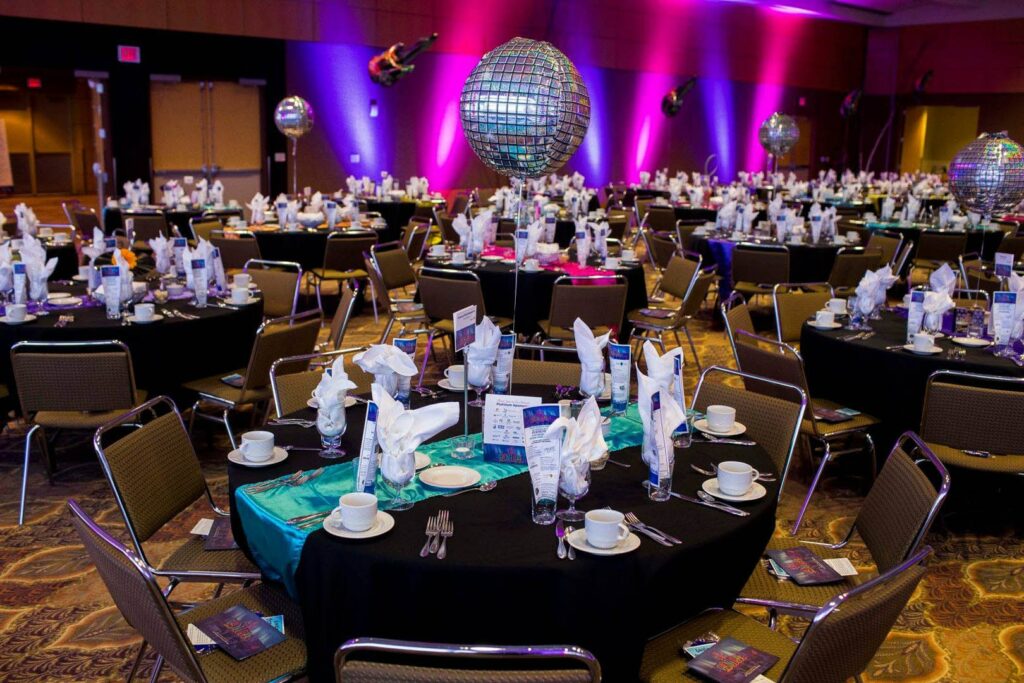
Streamline Your Event Planning
Ready to bring your event to Duluth? Submit your Request for Proposal (RFP) directly to our team. We’ll craft a customized proposal with venue options and service recommendations to get you started!
Submit Your RFP